
Central sessions
Three scopes
Global
Sees every session on your computer. One per computer.
Room
Sees the sessions its room lists, and the ones it opened itself. One per room.
Project
Sees the sessions working in one project folder or below it. One per folder.
What a central can do
Read
The session list, a session’s conversation, its last answer, the files it changed, its subagent runs and its terminal output.
Hand a session a task
AASC types the task in with a line saying which central sent it, then follows it to the answer. A session takes one central task at a time.
Open sessions
Start, resume, fork or clone sessions. At most 8 of its own are live at once, and by default an idle one closes after 30 minutes.
Queue prompts
Add, edit, move and remove prompts in a session’s queue. In a session it did not open, only you can switch on auto-send.
Answer a dialog
Allow once, deny or pick an option in a dialog a session waits on. It never sends “always allow”.
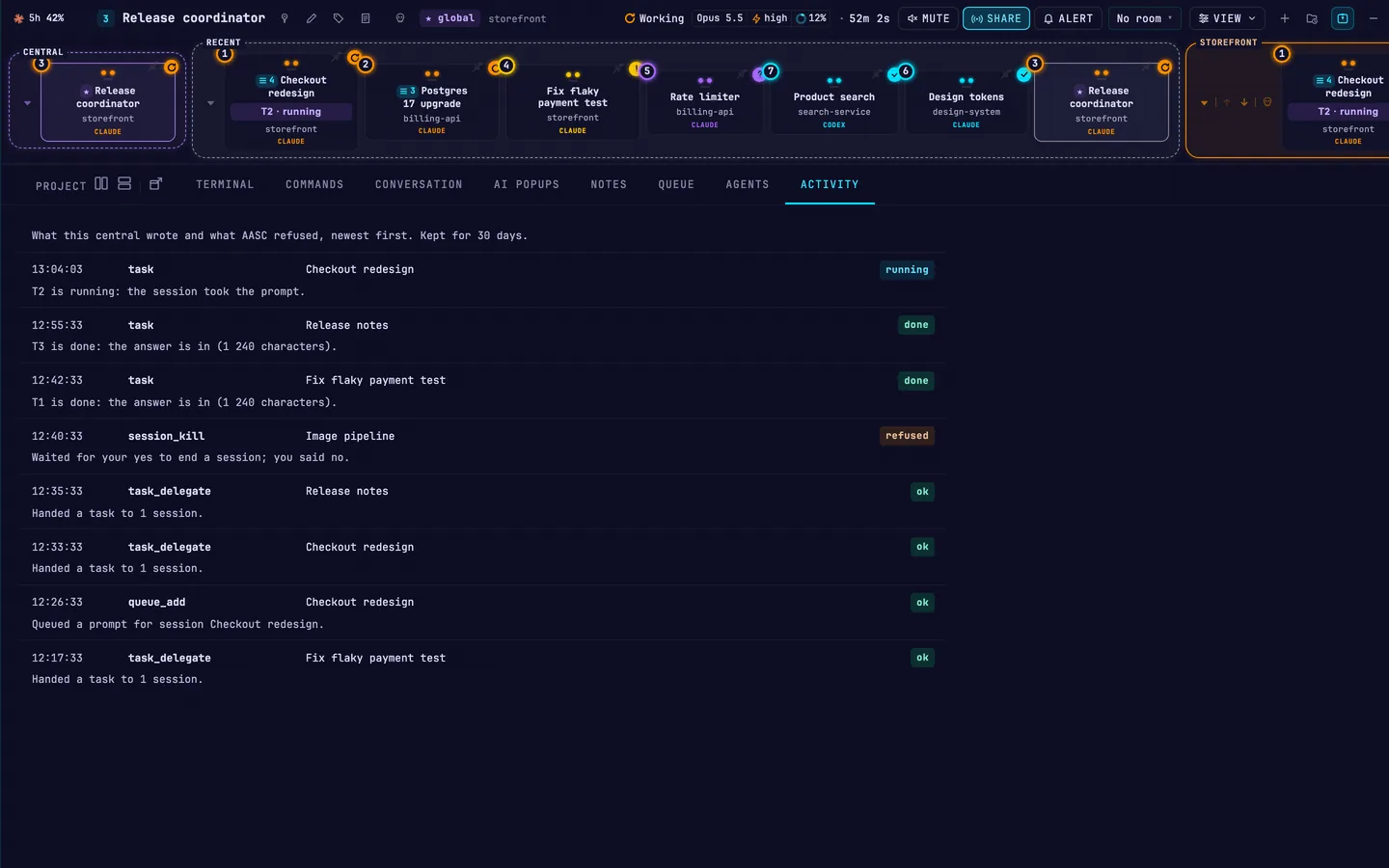
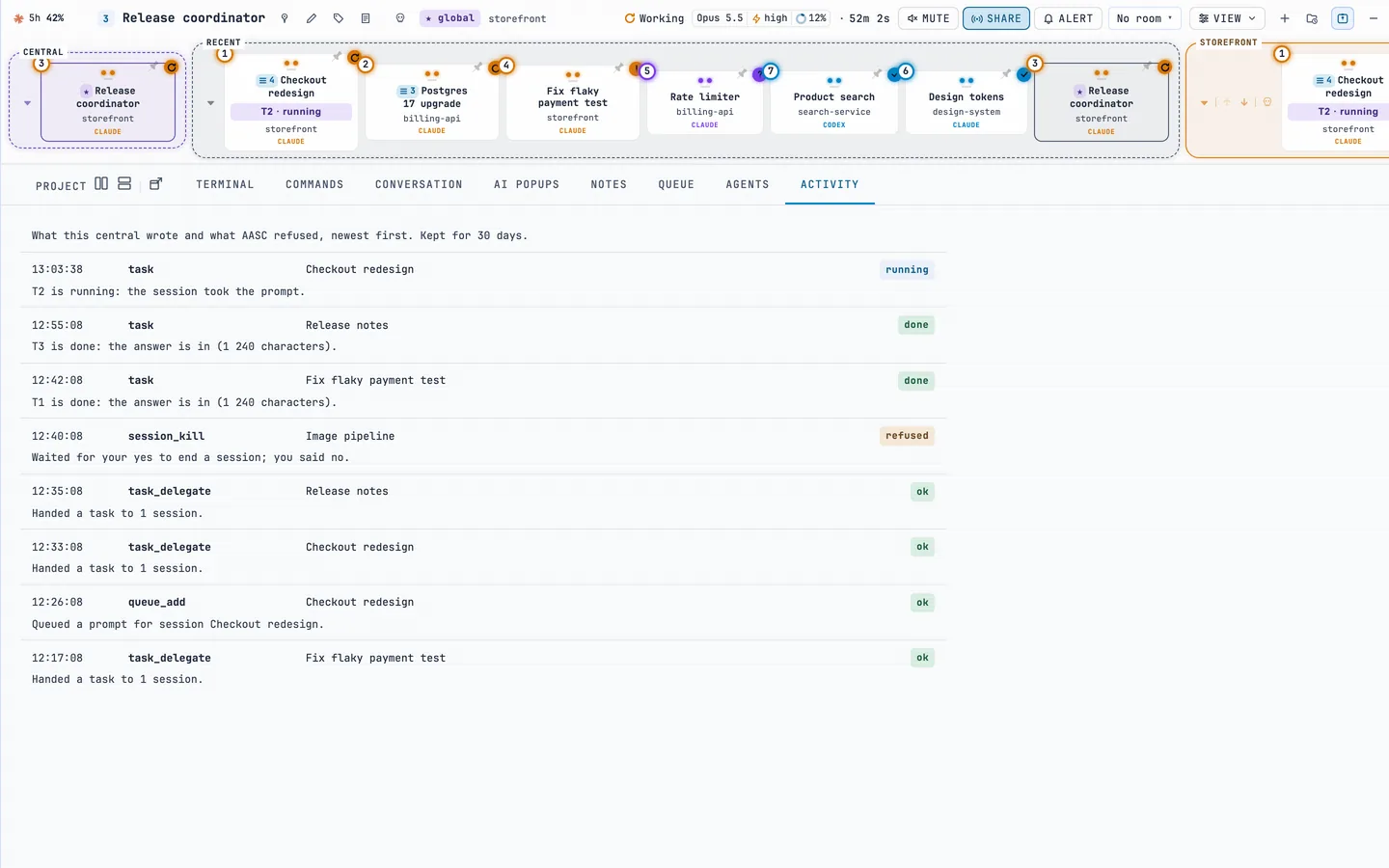
Text a session wrote reaches the central marked as data to read, never as instructions to follow. The central's ACTIVITY tab logs every change it makes, every refusal and every task update.
What stays yours
Hands off
A button in each session’s header. While it is on, no central types into that session, and only you can turn it off.
You are typing
If you drove a session in the last 60 seconds, a central waits. AASC checks again before every keystroke it types.
Your yes
Killing a session, clearing a queue, deleting your data and anything that leaves your computer wait on a card you answer.
Start one
- Central sessions are off by default. Turn on Central sessions (MCP) in Settings, ADVANCED, then restart AASC.
- Open the New Terminal Session form: + in the session panel, or + NEW on the empty LIVE page.
- Fill in the working directory, and a bare
claudeorcodexas the command. - Set Central session to Global, This room or This project, then click CREATE.
Its header shows a ★ badge with its scope. Restart, resume or restore your workspace and it comes back as the same central, unless its room is gone or another central took its scope.
A central starts only from the dashboard on your own computer, and runs there: not over SSH, not inside tmux. A project central needs a real project folder, not your home folder.
The full rules, every tool and the confirm cards are in the central sessions guide.